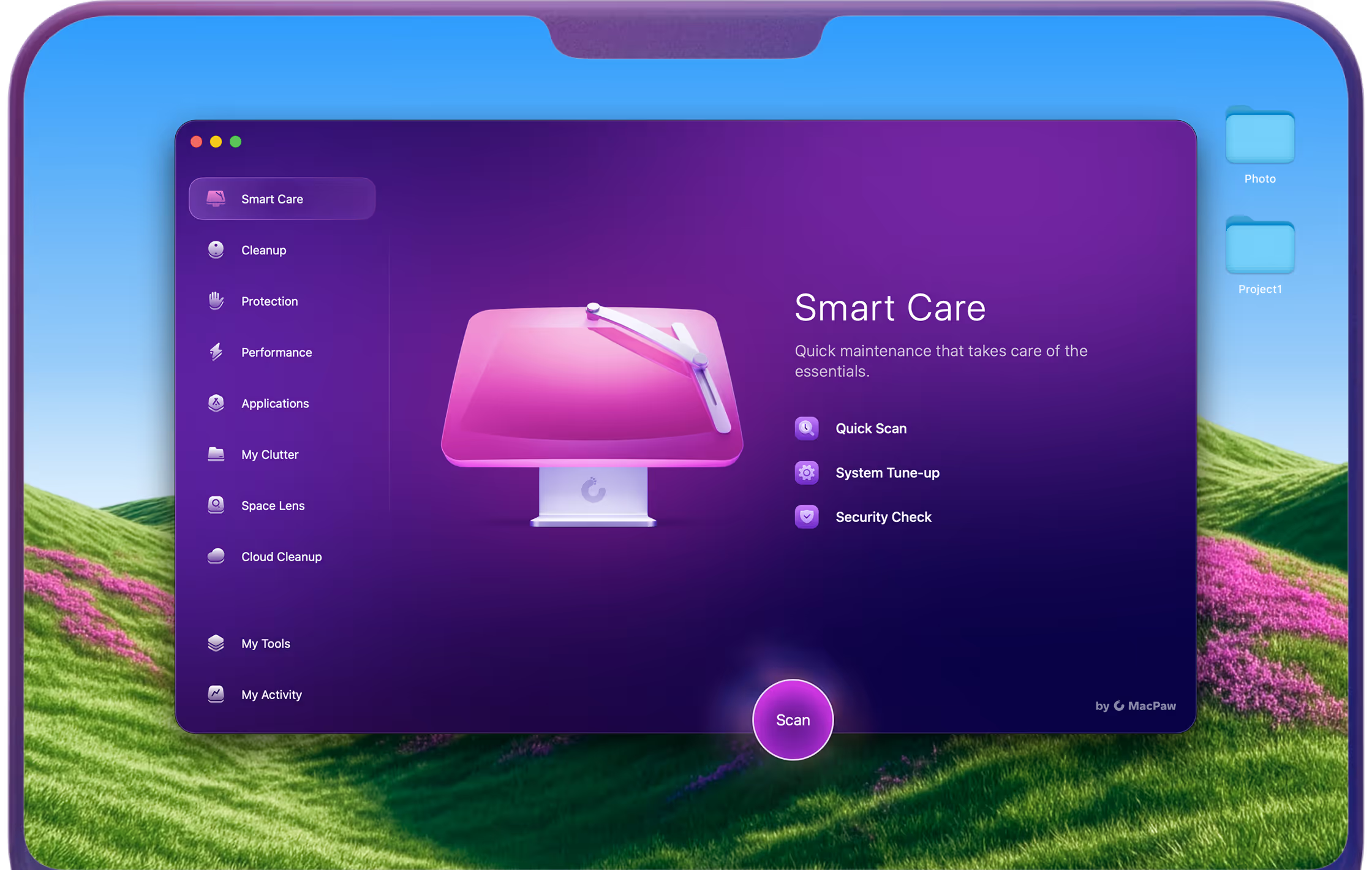
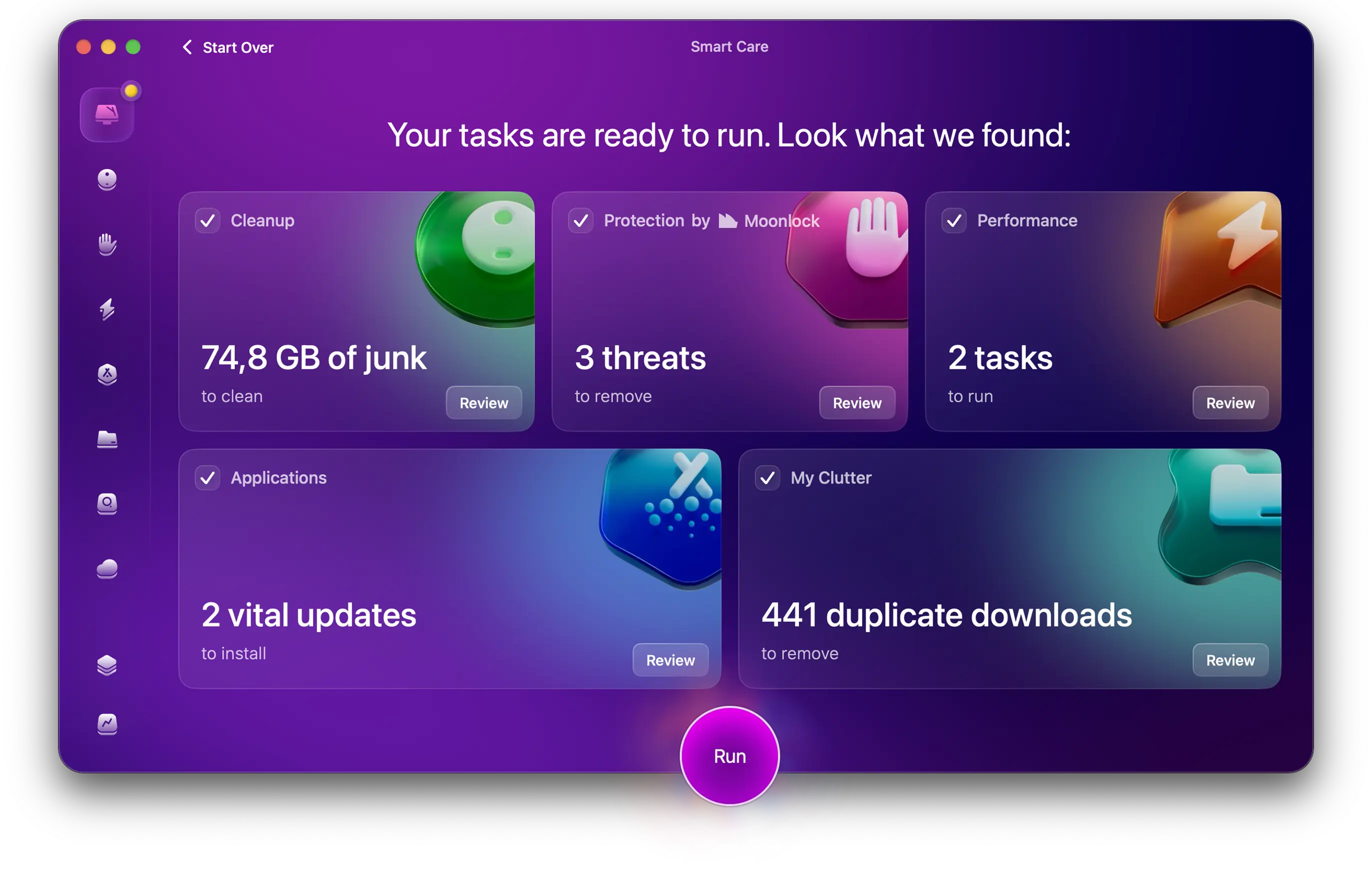
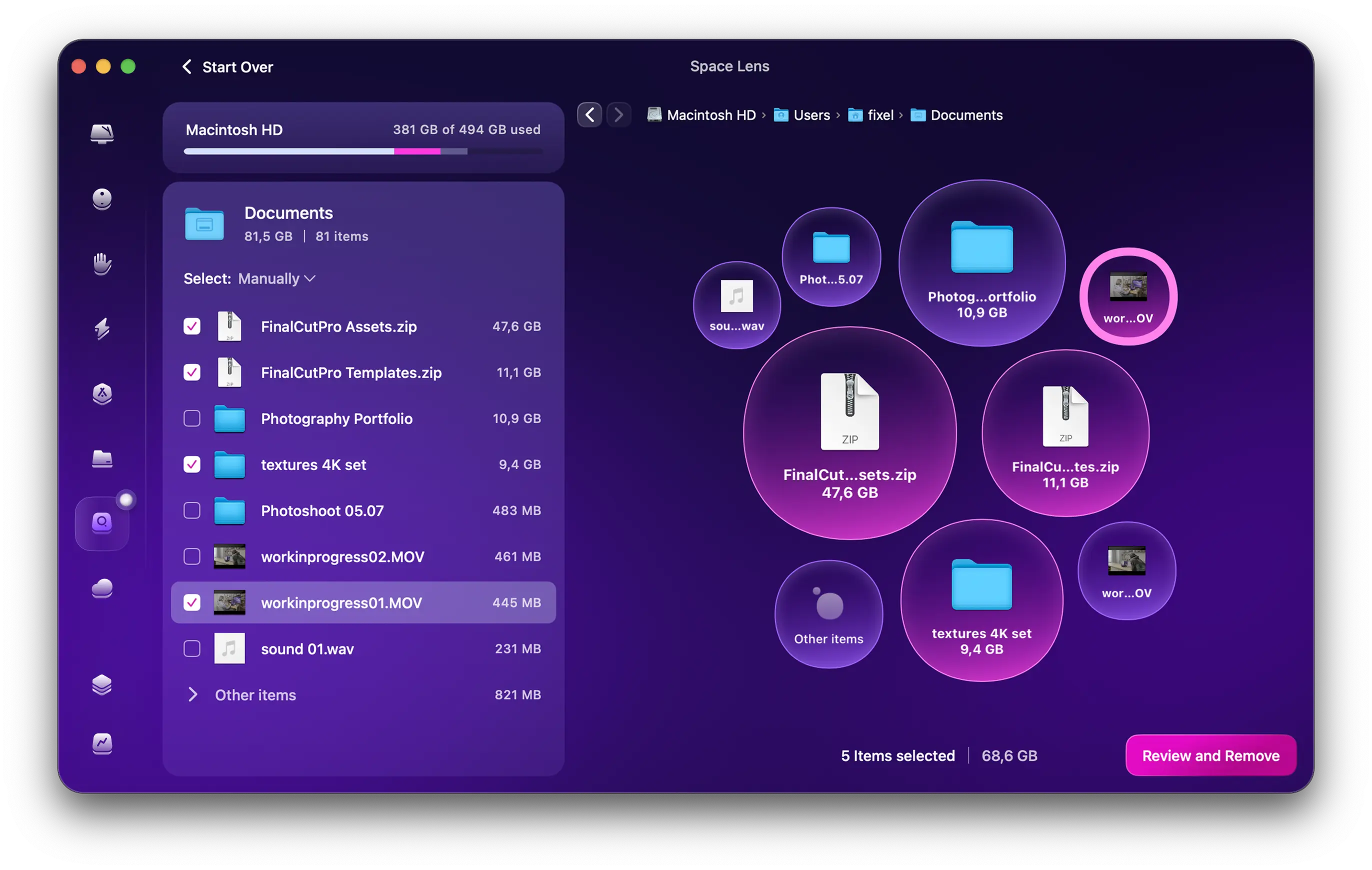
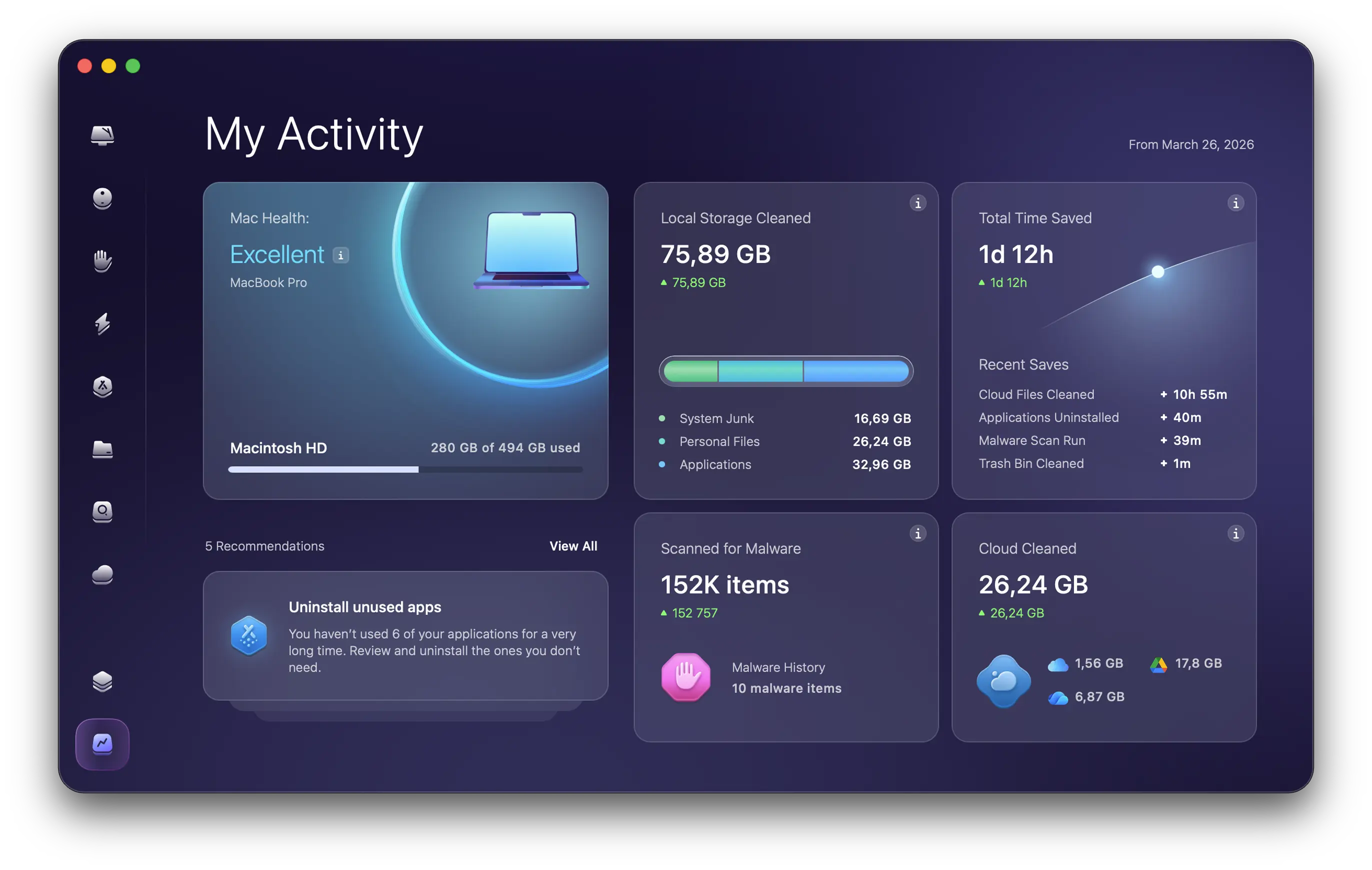
Every render, every export, every Lightroom import — they leave behind caches, previews, and hidden logs. The average creative Mac accumulates 65 GB of invisible creative waste per year. CleanMyMac finds it and removes it in under 5 minutes.
“I use Adobe and then I use DaVinci Resolve and both of those have caching in different places. And so I use CleanMyMac for really just find the caching”
Marie, designer at MacPaw
The hidden tax on your projects
Creative apps are the most aggressive cache generators on macOS.
Final Cut & DaVinci Resolve
Render files, optimized media, proxy caches. A single project can leave 20+ GB behind after export — in folders you'd never find manually.
Estimated per year:
18–32 GB
Lightroom & Capture One
Catalog previews, smart previews, rejected shots kept as raw files. One photoshoot can silently consume 6 GB before you've edited a single image.
Estimated per year:
12–24 GB
Logic Pro & Pro Tools
Audio bounces, autosave versions, plugin state files, outdated sound library leftovers. Your Macs sound library folder may contain 15 GB you've never touched.
Estimated per year:
8–20 GB
Adobe Creative Cloud
Old app versions that never uninstall cleanly, font cache bloat, InDesign autosave floods, Premiere media cache. Adobe CC is the single largest junk generator on any Mac.
Estimated per year:
22–40 GB
Try one of the Apple’s “26 amazing apps for 2026”
“CleanMyMac eradicates ancient attachments, old caches, and other files that are hogging your drive — and can reduce background processes”
"Spent this rainy afternoon sorting my digital space. An hour later I had rid this tired machine of almost 100 GB with barely any effort."
Judson MacDonald
Get all these with a free 7-day plan
Duplicate Finder
Cloud Cleanup
Speedup
System junk
Mac Health
Uninstaller
Anti-malware
Leftovers
+ One button to free up RAM when your project lacks memory
If you don’t see any results with CleanMyMac, you’ll get a full refund — no questions asked. And you also have 7 days to try all the features for free — at ZERO cost.

%20trademark.avif)